
DontDieFishing
Find safe fishing spots with real-time water conditions, weather, and hazard data — so you come home.
DontDieFishing is a boating and fishing safety app that finds you safe spots with real-time water conditions, weather, and hazard data. Every spot on the map is color-coded by current safety status, and saved spots can push you an alert the moment conditions turn.
DontDieFishing is a decision-support tool, not a guarantee of safety. Conditions can change faster than data refreshes, and community reports are unverified observations. Always assess conditions in person before entering the water.
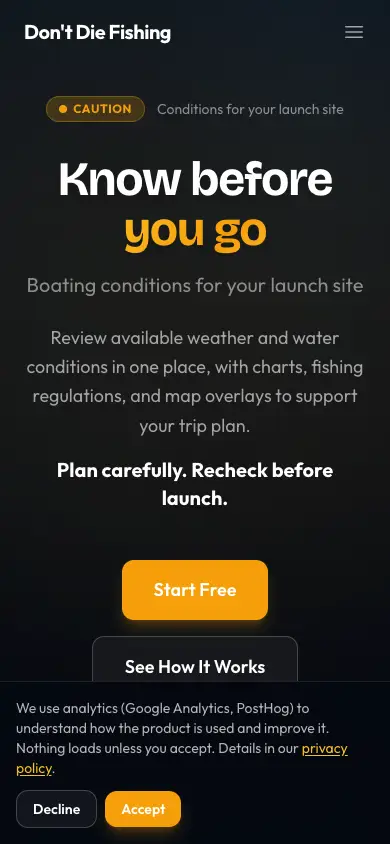
- Find safe spots with live water conditions from USGS, NOAA, and NWS.
- Green / yellow / red safety status that updates as conditions change.
- Push alerts for saved spots on status transitions.
Get started
Install, set your location, and find your first safe spot.
Finding spots
Search, filter, and evaluate spots — conditions, weather, hazards, access.
Safety & conditions
Data sources, hazard categories, and limitations.
FAQ
Common questions and fixes.
Changelog
What's new in DontDieFishing documentation.